


Daily records after giving birth: where to start?
Even on busy days, records kept with a few taps remind you what to ask at the check-up.
- 5 min read
- 6 sections

In short
- A little but regular: keep expectations low
- What should you start with?
- Write down questions as they come to mind
- Set up check-ups and reminders
- When you feel like you're struggling
The weeks after giving birth are both intense and unpredictable. Your sleep pattern changes, days blur together, and even finding five minutes for yourself gets hard. Keeping a detailed journal isn't realistic in a period like this. But records that take just a few taps make it easier both to see your own progress and to remember what to ask at the check-up.
A little but regular: keep expectations low
The goal in this period isn't to record everything. Marking how you feel once a day, writing one sentence about something that comes to mind, is enough. It's fine if you skip a day; you pick up again where you left off.
Instead of trying to keep perfect records, start with whatever is easiest. As the habit settles in, you decide for yourself what you want to add.
Also remember: these records are for you. They don't have to be kept to meet someone else's expectations. Some days it's just one tap, some days a few sentences; both are enough.
What should you start with?
Three small records are enough to start:
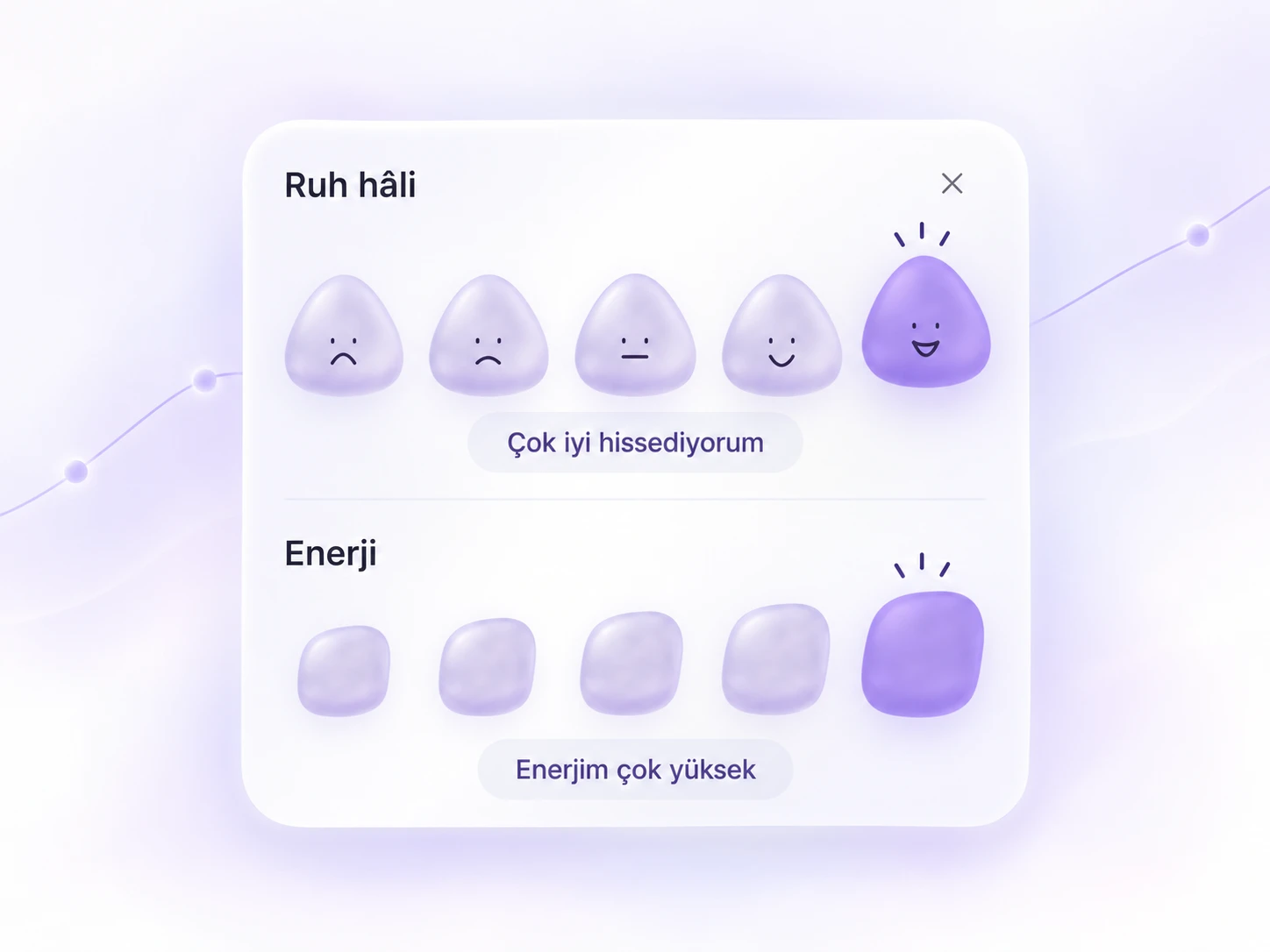
- How you feelMark your mood and energy with a tap each. You don't need to think it over; the first thing that comes to mind is enough.
- A one-sentence noteSomething that stood out about the day: sleep, appetite, a moment that tired you out or did you good.
- Medications you takeIf there's a medication or supplement your doctor recommended, a quick log when you take it or skip it.
Write down questions as they come to mind
Plenty of questions come to mind before the postpartum check-up: when you wake at night, while feeding the baby, in the middle of the day. If you don't write these down in the moment, they're hard to remember on check-up day.
You don't need to write the full question. Short notes like "sleep, ask" or "medication time?" are enough to bring up the topic at the check-up. The evening before the appointment, you can look over these notes and put the most important ones first.
Set up check-ups and reminders
In this period, check-up dates can come one after another and get mixed up easily. Add the dates your doctor gives you to the calendar right away and set a reminder. Once a check-up happens, mark it as completed and record what was discussed with a short note the same day.
That way, going into the next visit, you'll find what was discussed, what changed and what to ask all in one place.
If your partner or someone supporting you comes to check-ups with you, share the dates with them too. Remembering the appointment shouldn't be your burden alone on the days you're tired.
When you feel like you're struggling
Records help you observe yourself, but they don't substitute for an assessment. If you notice several days in a row of not feeling well, or a change that worries you, talk to your doctor or your care team without waiting for the check-up date. The short records you've kept come in useful when explaining how long you've felt this way. We explain how to gently follow your mood from day to day in tracking your postpartum mood.
Postpartum records in Oveluni
In Oveluni, postpartum tracking is part of the Women's Health area in the women's profile, and it's optional. If you used pregnancy tracking, postpartum tracking is offered once you record the birth. Postpartum starts as a separate period, showing the weeks since birth; your journal, medications and check-ups continue where they left off.
- Quick record: Tap one of five faces in the "How are you feeling?" section on the Today screen, or use the Daily check-in and A note records in Quick add, to log something in a few seconds.
- Medication intake log: Marks the medication as taken or skipped, with a note if you'd like.
- Add a visit: Add your check-ups with date and time; choose a reminder a day before, an hour before, 15 minutes before, or at the check-up time.
- Home screen: Press and hold a card to drag and reorder, and hide cards you're not currently using.
On your way to a check-up, you can save the date range you choose as a PDF report and take it with you. You choose which categories go into the report; notes aren't included by default.
This article is for general info only. It does not offer diagnosis or treatment; it provides practical suggestions on recording and tracking. Consult your doctor for health decisions. Last updated: 4 September 2026
Was this article helpful?
Thanks, we got your feedback.